
AI that works inside your records, and stays inside your rules
Orbit’s AI is built into the work, not bolted onto the side. Ask questions of your own data, let an agent handle routine WhatsApp enquiries, and hand repetitive typing to AI Assist.
Assistant
Asks your workspace data — read-only.
Hi Omar — what would you like to know?
I can look up records, add up numbers, and point you at the right page. I can’t change anything.
What you can do with AI in Orbit
The assistant
Press ⌘J or Ctrl+J anywhere and ask about leads, deals, invoices, jobs, schedules, tasks or expenses. It searches, reads and adds up records, then answers with links to the records it used.
- Read-only: it cannot change anything
- Every lookup re-checks your permissions and record scope
- Knows which page you are on, so “this client” means this client
The WhatsApp agent
Answers customers from your knowledge base and product list, takes callback requests and hands over to a person. Staff can also ask it to act on records within their own permissions, with confirmation for anything that moves money.
AI Assist
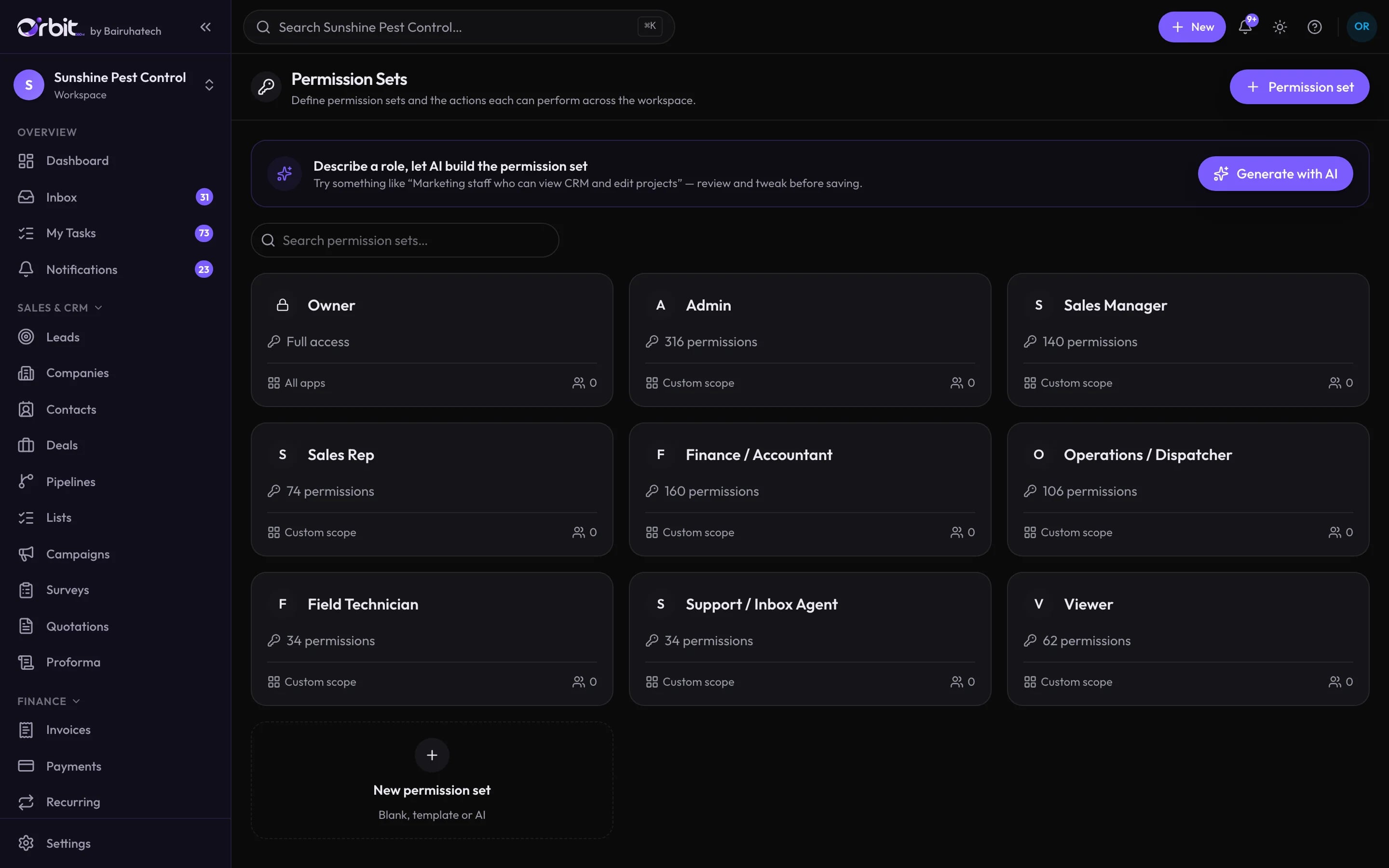
Rewrite an email before it goes out, scan a receipt into an expense, or describe a role in plain words and get a permission set to review.
Knowledge base
Upload your documents so the agent answers questions about your services, prices and policies the way your team would.
Lead scraper
Find and qualify prospects from Google Maps listings and their websites, then add the good ones as leads.
You decide where AI is allowed
Connected to the rest of Orbit
Good to know
What this part of Orbit does not do today, so there are no surprises later.
- The assistant answers questions; it does not create or edit records.
- AI features call Google Gemini or Anthropic Claude. They are only used when AI is enabled for your workspace.
AI in Orbit: common questions
Something else? Ask us directly.
Can the assistant see records I am not allowed to see?
No. Every search and lookup the assistant makes is checked against the permissions and record scope of the person asking. It is exactly as powerful as the person typing.
Which AI models does Orbit use?
The assistant runs on Google Gemini or Anthropic Claude, depending on configuration. The WhatsApp agent and knowledge base use Google Gemini. Your workspace can use its own Gemini key.
Can we turn AI off?
Yes. AI can be switched off for a whole workspace or feature by feature. When it is off, the buttons disappear and the related features stop accepting requests.
How is AI usage billed?
AI usage is drawn from a prepaid AI wallet that can be topped up. A workspace using its own Gemini key is not charged by Orbit for those calls.
Ask Orbit a question about your business
In the demo we load sample data and you ask the assistant anything you like.