
Projects and tasks that sit next to the client they are for
Some work is bigger than a visit. Orbit runs it as a project on your own workflow, with tasks, a Gantt view and timesheets, all linked to the client and the invoices.
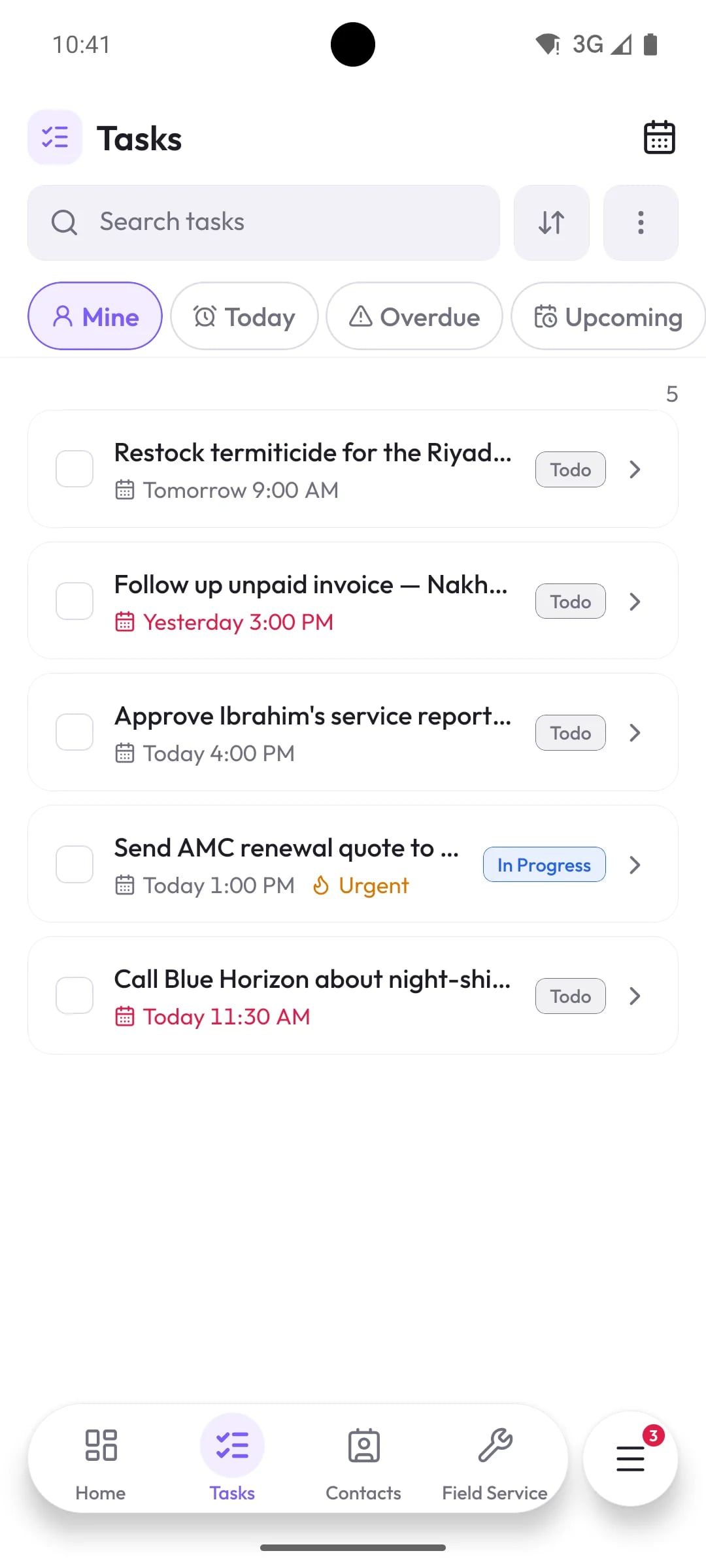
What you can do with Projects & tasks
Workflows you design
Give each kind of project its own stages, then move work across a board or view it as a Gantt chart.
Recurring projects and templates
Start repeat work from a project template, or let a recurring project create itself on schedule.
Tasks for everyone
Tasks with due dates, priorities, recurrence and a calendar view, linked to the lead, deal, client or project they belong to. Import and export in bulk.
Timesheets with approval
Log hours against projects and tasks, mark them billable, and approve or reject them before they reach a report.
Connected to the rest of Orbit
Projects & tasks: common questions
Something else? Ask us directly.
Can we track billable hours?
Yes. Timesheet entries carry a billable flag and an approval status, and the timesheet report summarises them.
Is there a Gantt chart?
Yes. Projects can be viewed on a board or on a Gantt chart.
Map one of your projects in Orbit
We will set up a workflow that matches how your team already runs projects.