
The numbers, without building a spreadsheet first
Dashboards for each part of the business and a library of ready-made reports, all reading live data, so the figures in the meeting are the figures in the system.
What you can do with Reports & dashboards
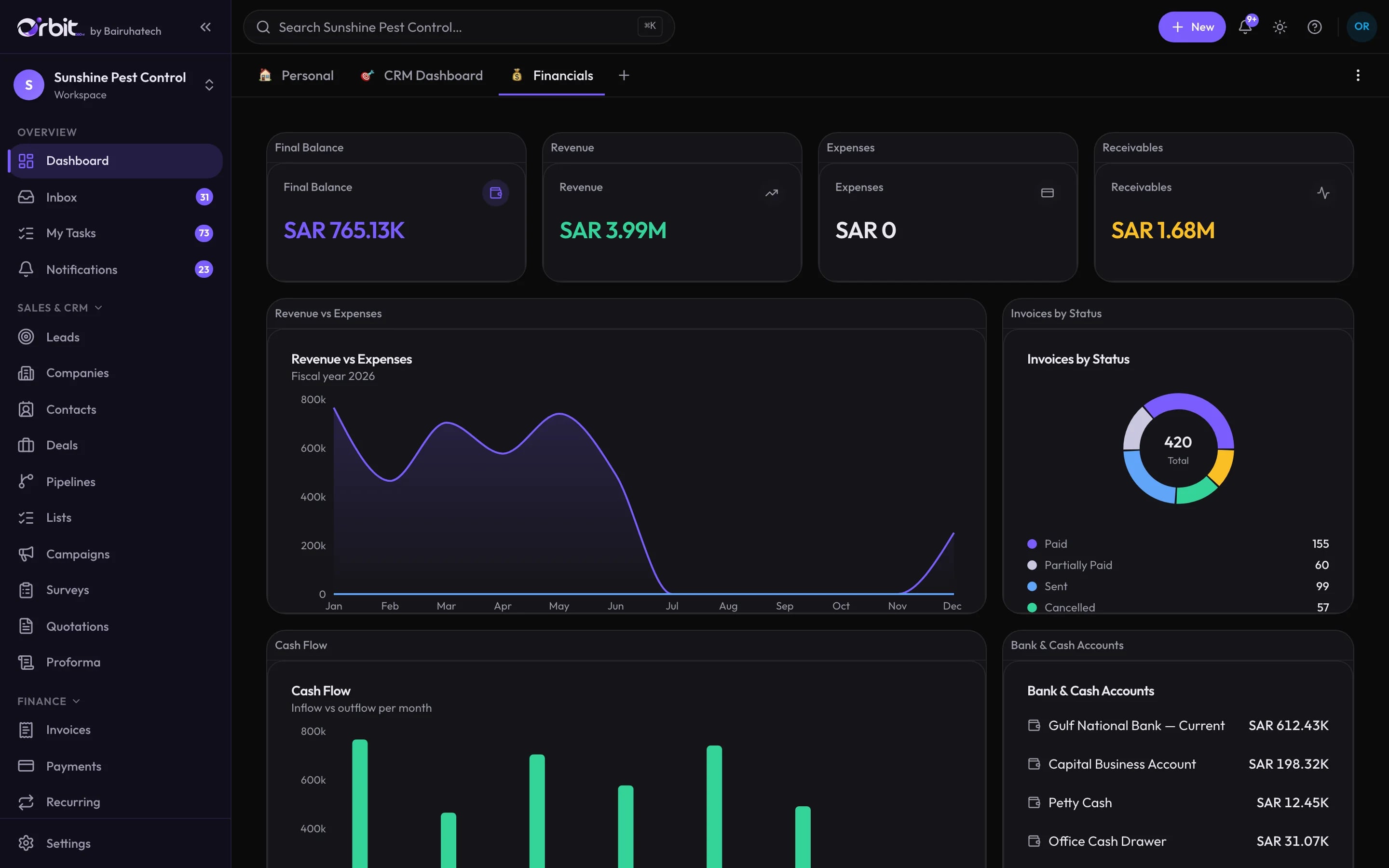
Dashboards you arrange
Personal, CRM and financial dashboards built from widgets you add, move and resize, and share with the colleagues who need them.
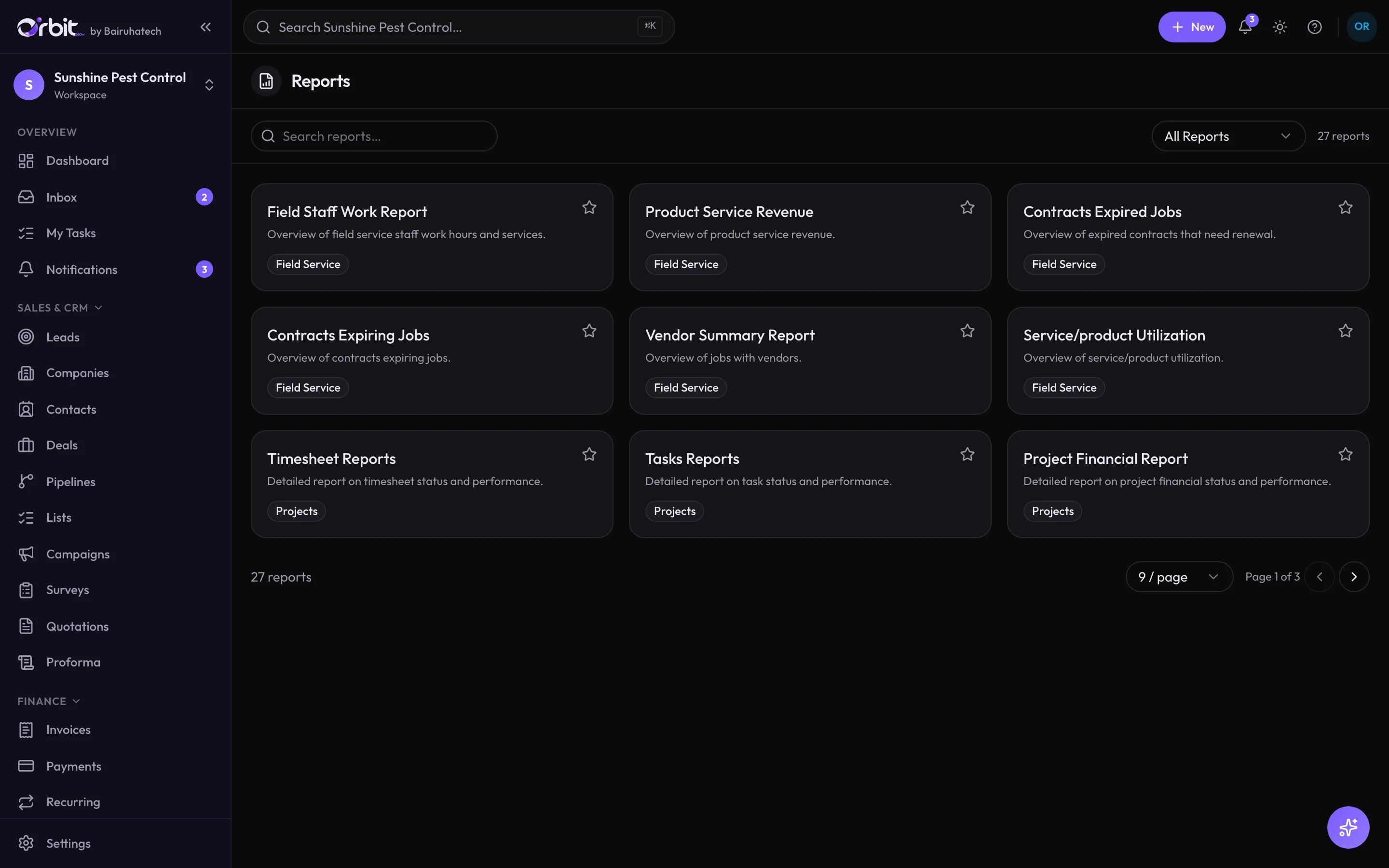
27 ready-made reports
Across CRM, sales, projects and field service: leads, deals, campaign performance, invoice summary, customer and vendor balances, product and service revenue, project financials, timesheets, contracts expiring, field staff work and more.
Financial statements
When accounting is on: trial balance, profit and loss, balance sheet, cash flow, aging and VAT reports straight from the ledger.
Every list is a report
Filter, sort and total any list, then export it.
A report library, not a blank canvas
Connected to the rest of Orbit
Good to know
What this part of Orbit does not do today, so there are no surprises later.
- Reports come from a fixed library; there is no drag-and-drop custom report builder.
Reports & dashboards: common questions
Something else? Ask us directly.
Can I build my own reports?
Orbit ships a library of 27 reports plus configurable dashboards, and any list can be filtered, totalled and exported. There is no free-form report builder.
Can a dashboard be shared?
Yes. Dashboards can be shared with chosen colleagues.
See your numbers in Orbit
We will set up the dashboards your management meeting actually uses.